01screenshotany app
saw a post you love.
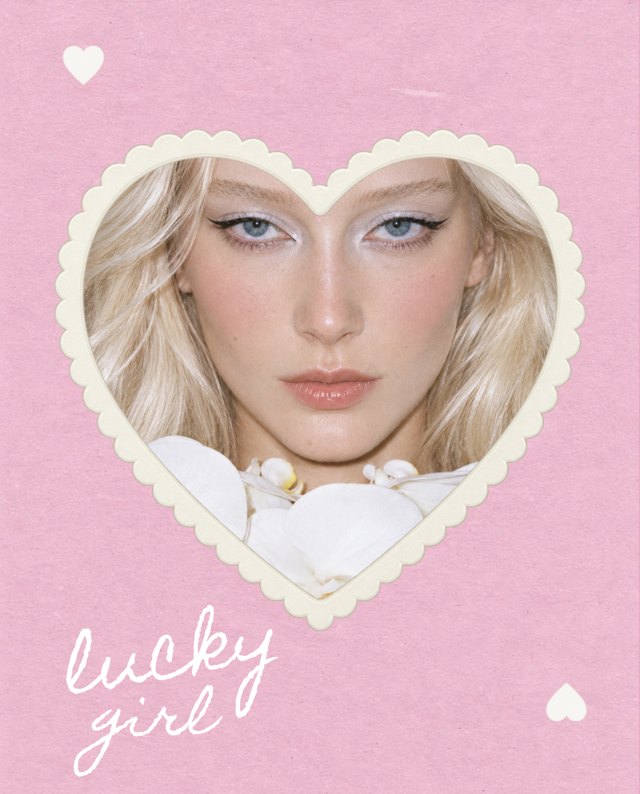
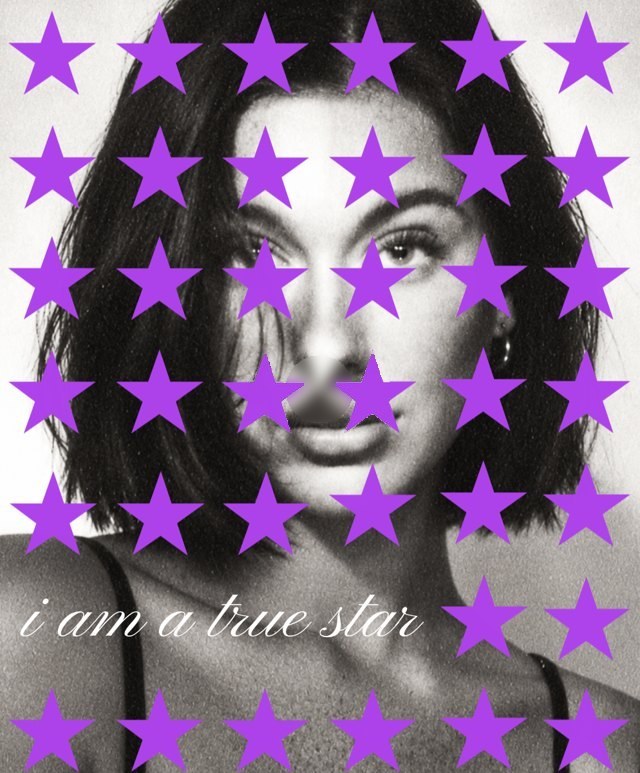
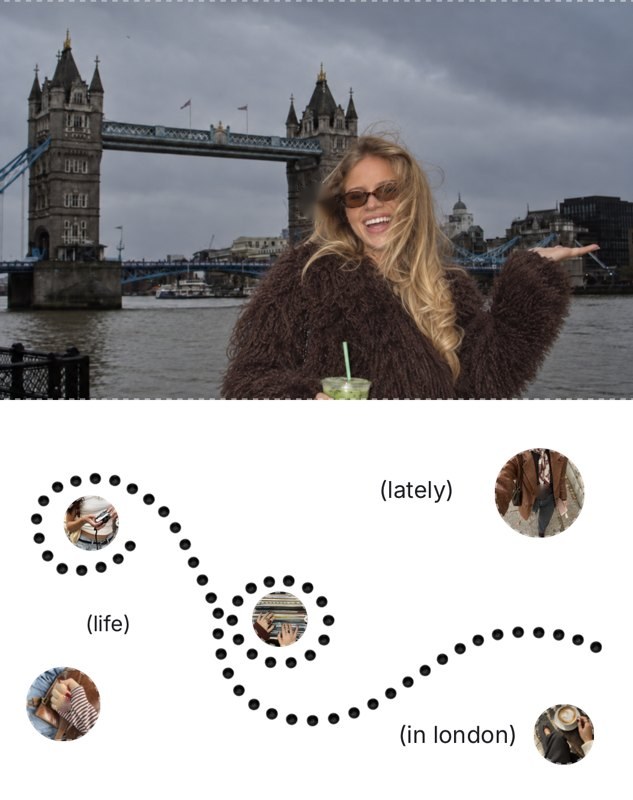
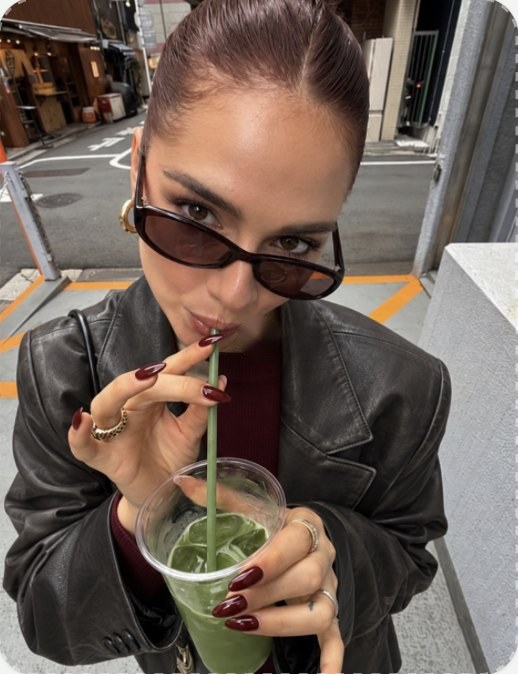
Screenshot it, from Instagram or anywhere else. That screenshot is all Frmes needs.
02uploadone tap
upload it to Frmes.
Open Create with AI and pick the screenshot from your camera roll.
03analyzelayout · colors · type
AI reads the layout.
Frmes looks at the frames, the photo slots, the colors and the type, and works out how the post is built.
04templatefully editable
your template is ready.
Same layout as the post you loved, rebuilt as a template with empty photo slots and editable text.
05editfeed · carousel · reels · story
make it yours.
Drop in your own photos, change the words, add a location, a song or a sticker. Then post it.